Publish/Text/Scribd
How to publish on Scribd
You must be registered and logged into your account to upload documents to Scribd.
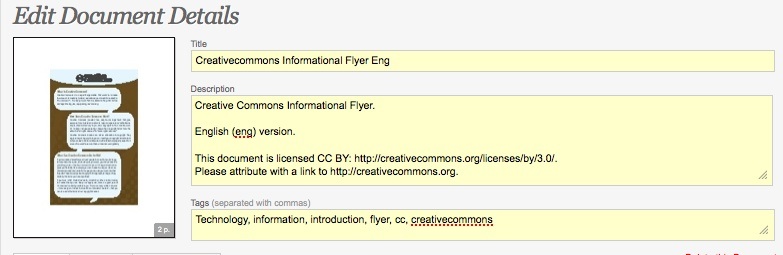
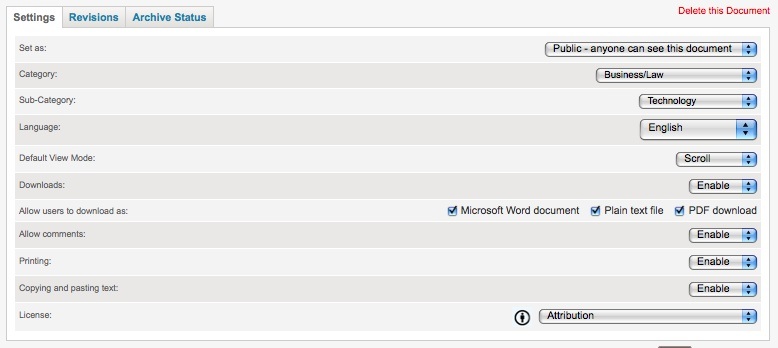
1. Once logged in, select 'Upload' in the top menu. Once you have uploaded your file, you can edit document details. In the settings tab, you can select the license for your document ('License' is at the very bottom).
2. You may also want to note the license in the 'Description':