
Publish/Text/SlideShare
You must be registered and logged into your account to upload files to SlideShare.
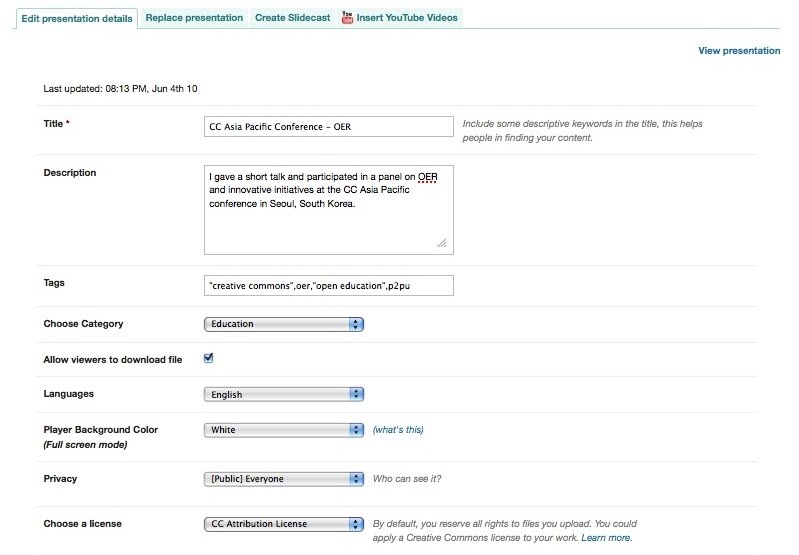
1. Once logged in, select 'Upload' in the top menu or go to http://www.slideshare.net/upload. Once you have uploaded your file, you can 'edit presentation details' where you can select your license (at the bottom).
2. The license selection will be displayed on the presentation page in the lower right section:

Example: Best Place to Buy Silver